
You can go to the Wallet section in your Homage app to change your credit card details.
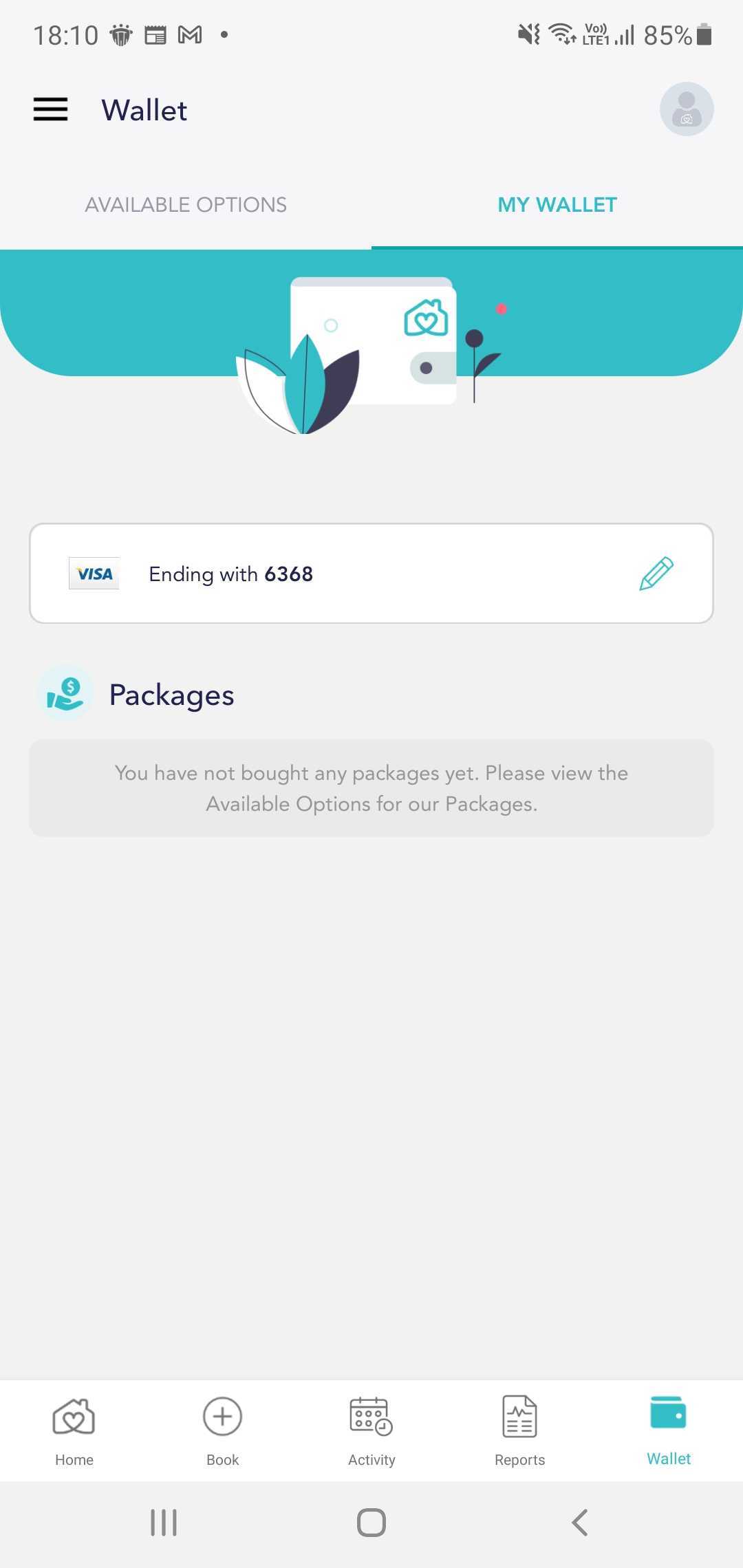
1. Select Wallet, go to My Wallet and tap on the Pen icon beside your card details.
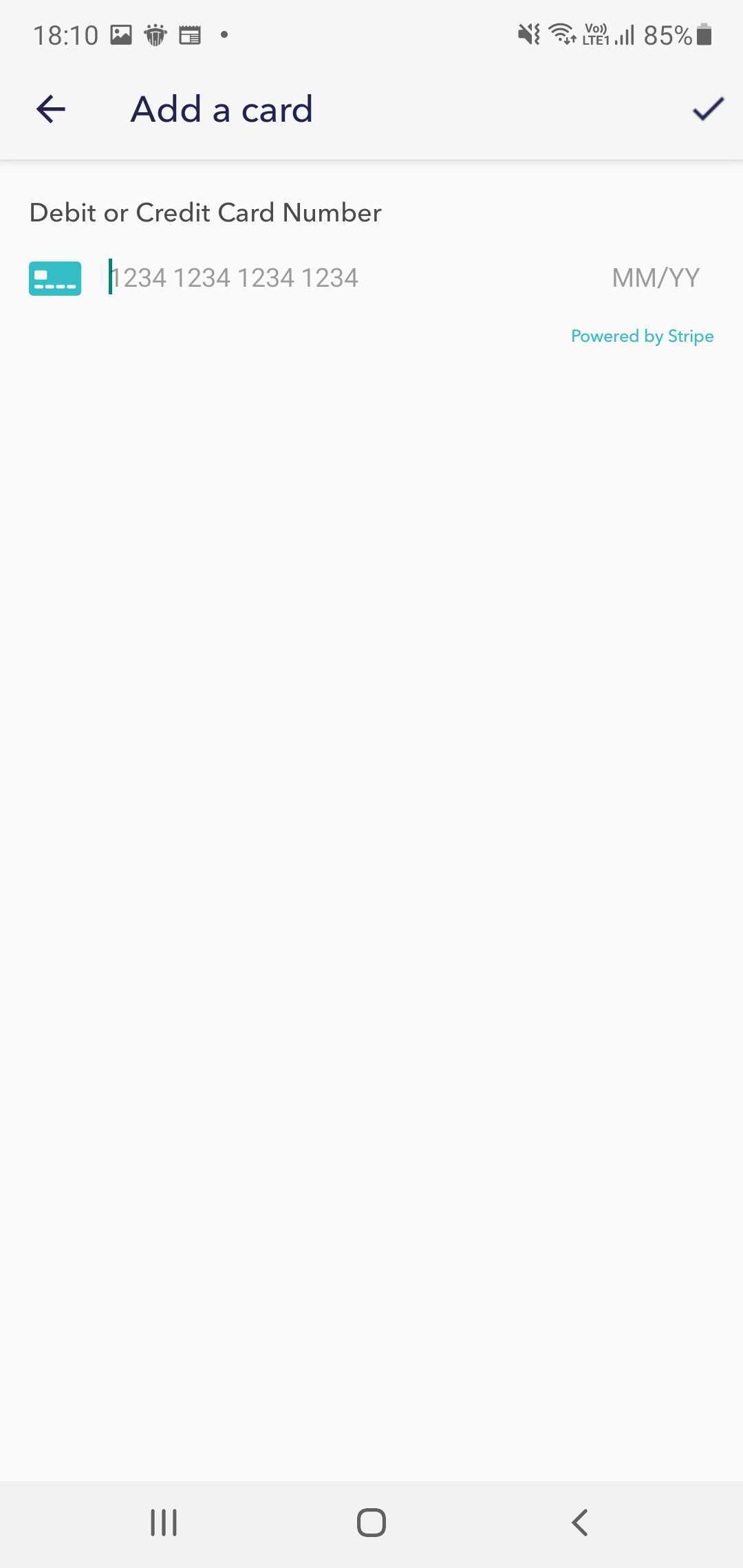
2. Fill in your card's details and tap on the Tick icon to save.
If you will like to remove your credit card details from the Wallet, please reach out to us via support@homage.com.au.
Comments
0 comments
Please sign in to leave a comment.